LittleData: Exploring Aesthetic Modes of Data Visualization
This is a port of a project I wrote for Tomorrow Lab in August 2014, where I worked as an electrical engineering intern.
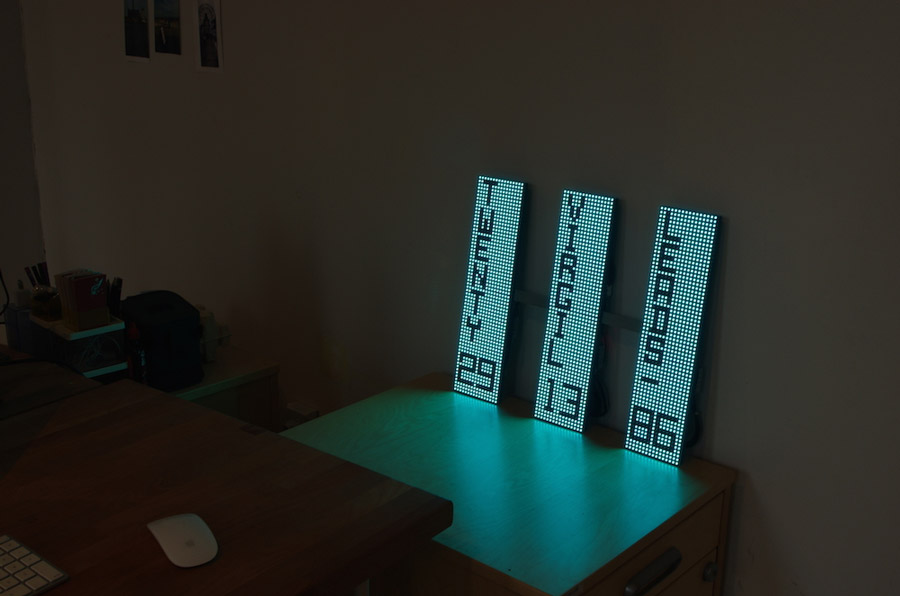
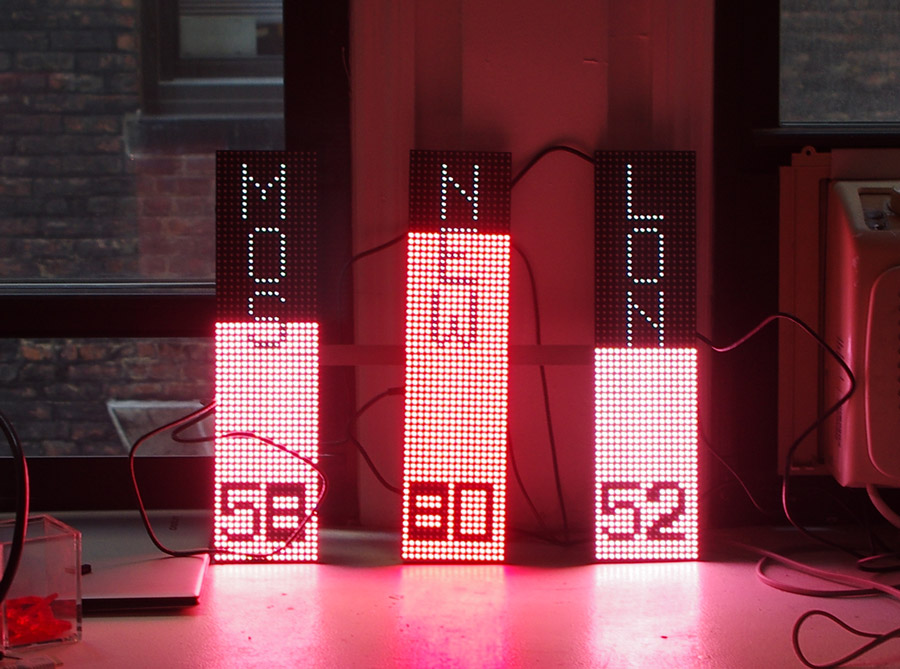
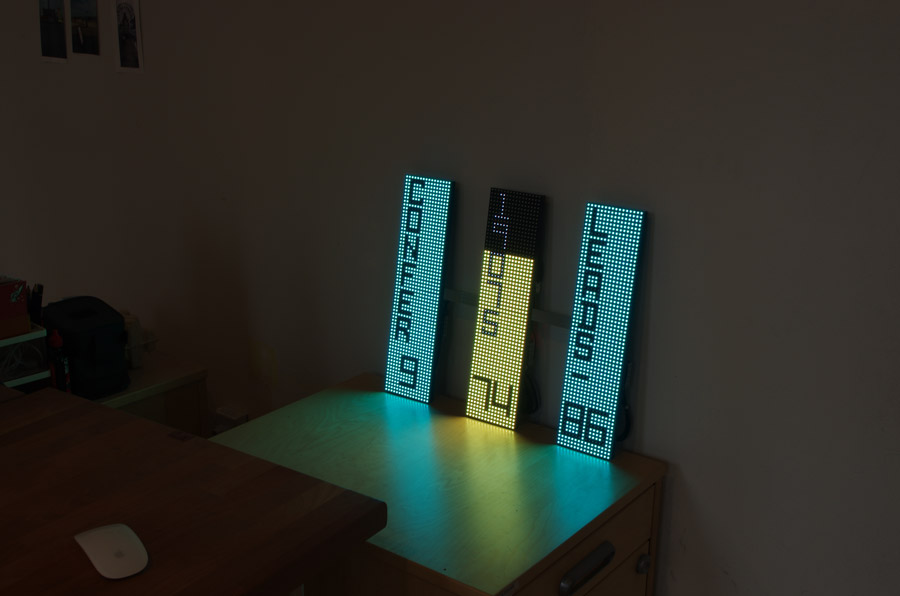
LittleData is a smart LED display consisting of three vertical bars that pull data from the web and project it. The conceptual core of the project began with exploring how to display minimal but meaningful bits of data (or “little” bits of data) in an intuitive and simple way. The LED panels would receive information and display various messages controllable from a website.
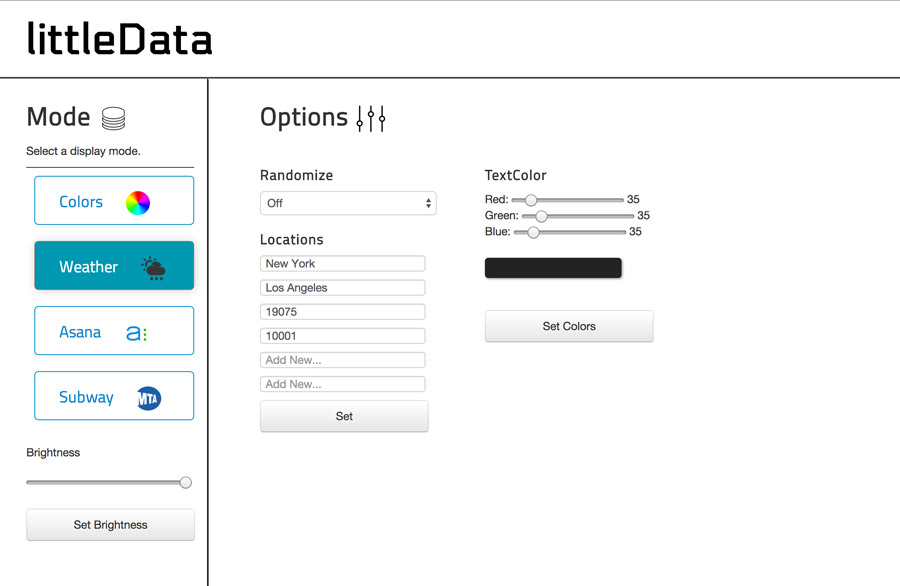
The general architectural concept is simple: a user logs into a web portal, configures specific options, sends a request to a Raspberry Pi web server, which in turn configures its hardware communication code to display the data as the user just configured it.
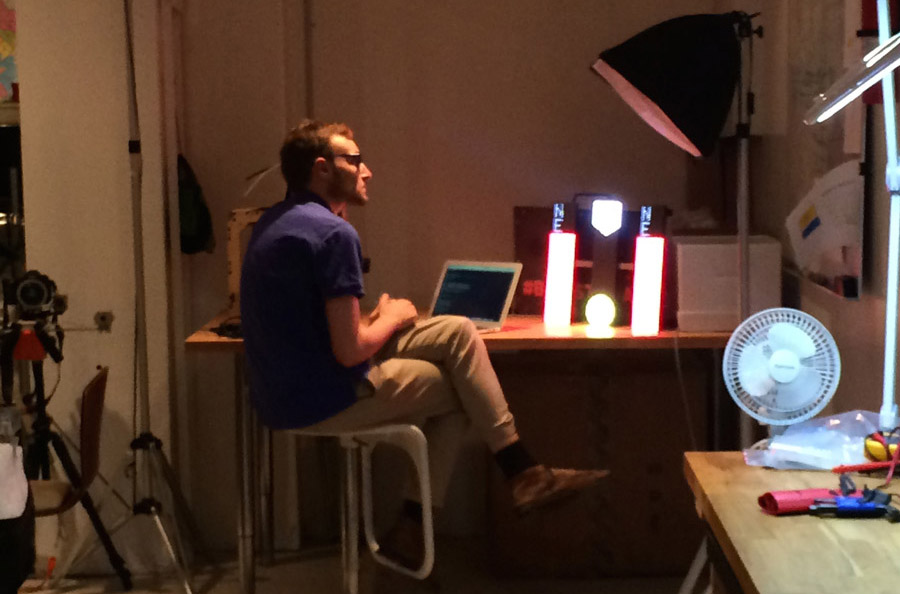
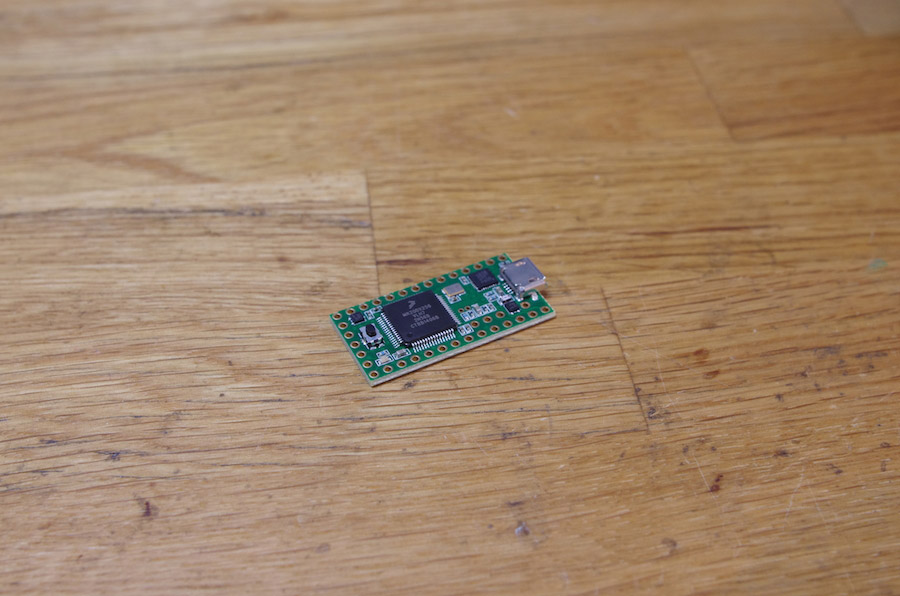
To achieve the initial vision, we researched the appropriate hardware to use and developed the controller software to complement it. There are a total of six RGB LED matrices, each vertical bar containing two, allowing for three 16x64 pixel bars. Driving 1024 RGB LEDs without hardware PWM support requires a reasonable amount of processing power, so we chose Teensy 3.1 Cortex M4 processor-based microcontrollers, which run at 72MHz. The Teensy 3.1 boards are similar in character to Arduino (and were programmed using the Arduino IDE), though they provide a considerably higher amount of processing horsepower. For more information on the library available for driving LED matrices with the Teensy boards, check out PixelMatix.
The frame that supports the three bars is a single piece of 3/16” aluminum, water jet cut to specifications (and CNC engraved with the logo).
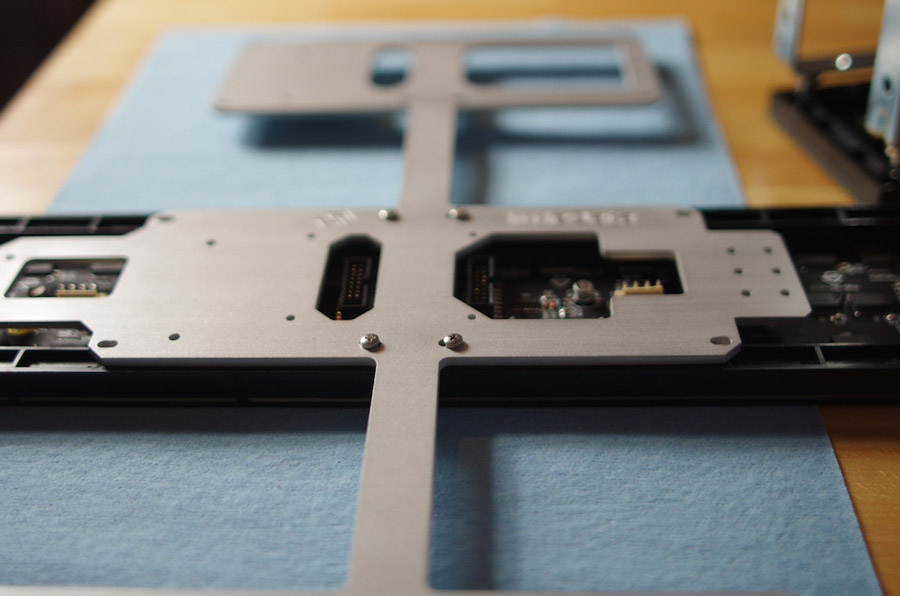
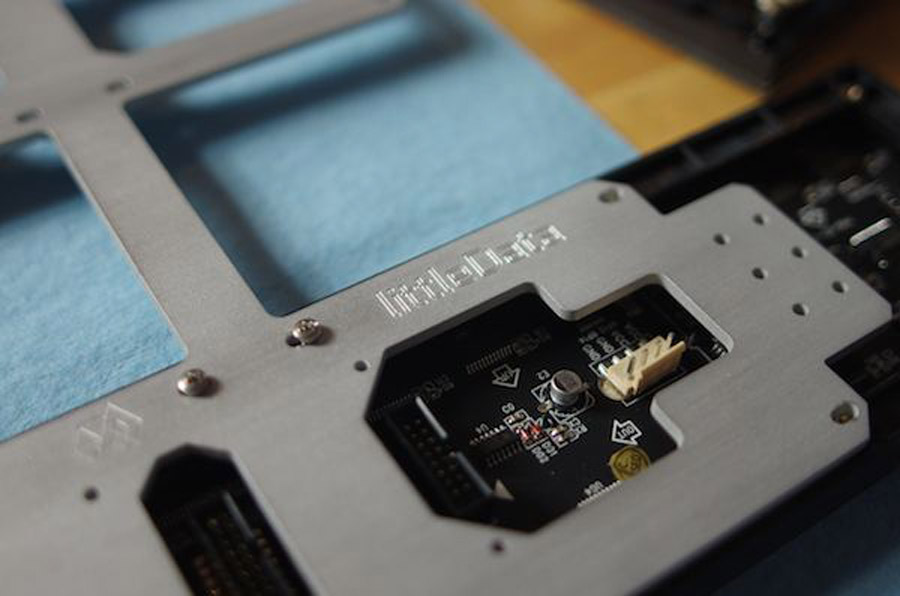
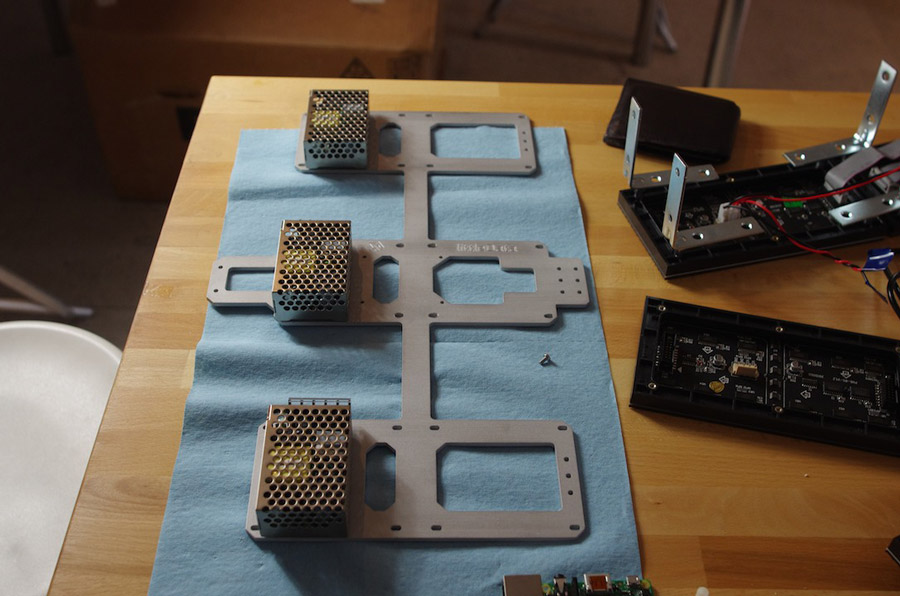
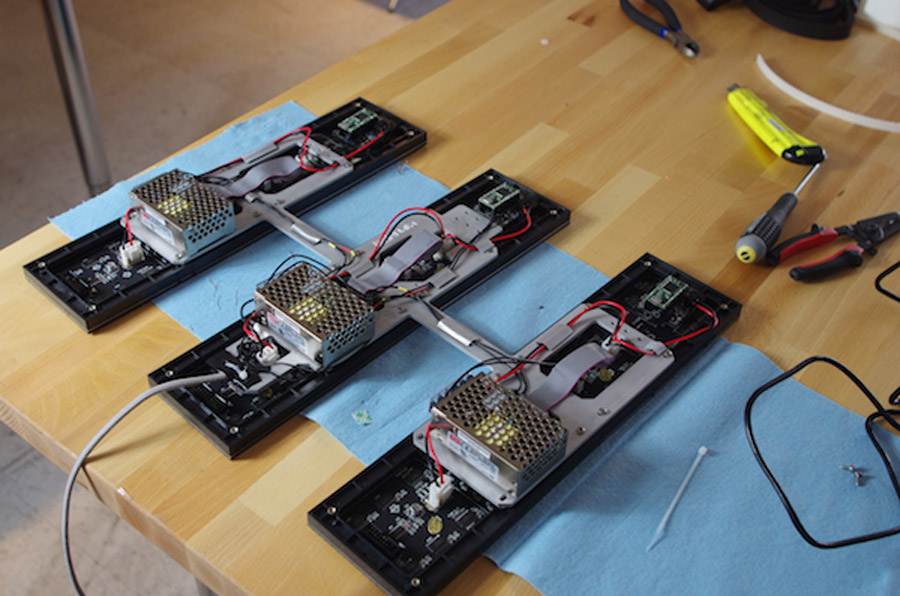
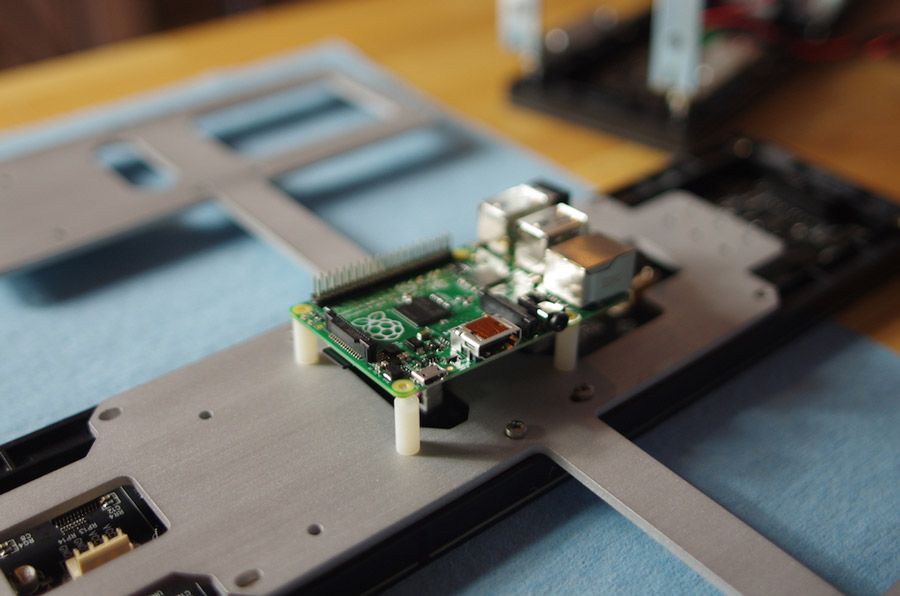
The three displays are controlled from a single, web-connected Raspberry Pi. The Teensy 3.1 boards handle the hardware control at a low level, receiving display instructions via a customized USB serial communication protocol. For example, we could send a rectangle command to the Teensy over serial and it would draw a rectangle of the specified color and dimensions. With this system in place, the central control can handle other tasks while the Teensy processor is handling the drawing operations. The displays and processors are powered by three Meanwell 5 Volt / 5 Amp power supplies (Meanwell RS-25-5), mounted on the back of each LED bar. The LED matrices draw a maximum of about 4 Amps each, while the Raspberry Pi draws a maximum of about 1A, both at 5 Volts.
Final Results
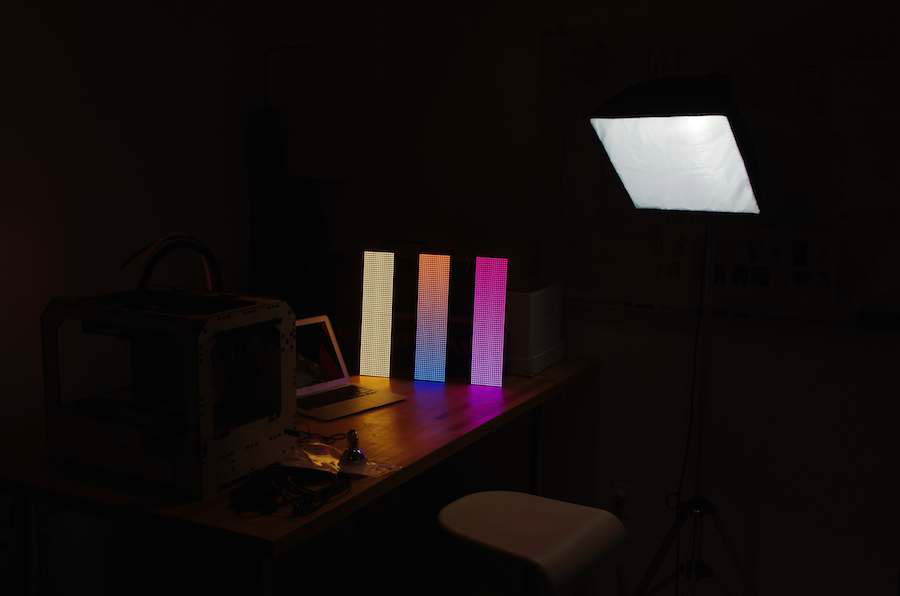
Finally, we planned to implement a user-facing software interface, which would allow a user to both configure the information and the display with the LEDs. Using Raspberry Pi and the Flask framework, we created a lightweight web server. Because Flask, Teensy, the data APIs and other components of the electrical engineering are Python-based, it was fairly simple to route a web request to any Python function within the software. The existing display features the current weather in any location, as well as a color spectrum display that allows Tomorrow Lab to choose the mood by color and light association.